Setup pack
Everything for the 6 accounts
Each account below has its photos, captions, name and bio all ready. Open an account and follow the numbered steps - tap to copy the text, tap to download the photos, post them on the dates shown. Tick each step as you go; it saves automatically and everyone on the team sees the same progress.
Do's and Don'ts (please read)
Don't
- Never use AI to write anything - captions, bios, replies, messages. Use exactly what's written in here. AI-sounding text is the single biggest giveaway and gets accounts flagged.
- Never use em dashes (—). Always use a normal hyphen - instead. Em dashes are a classic AI tell.
- Don't post all the photos at once. Follow the date on each step.
- Don't start messaging early. Wait for the go-ahead (~19 June) so accounts warm up.
- Don't reuse a photo on two accounts. Each account's photos are only for that account.
- Don't change the usernames, names or bios. Use what's provided.
- Don't buy followers. It flags new accounts.
Do
- Copy the captions and bios exactly as written here.
- Post in order, on the dates shown.
- Add stories gradually and save them into the named Highlights.
- Keep each account on its own profile with its own login. Don't mix them up.
- Keep everything casual and human - short, normal, lowercase is good.
- Ask us first if anything is unclear, instead of guessing.
Pick an account to set up
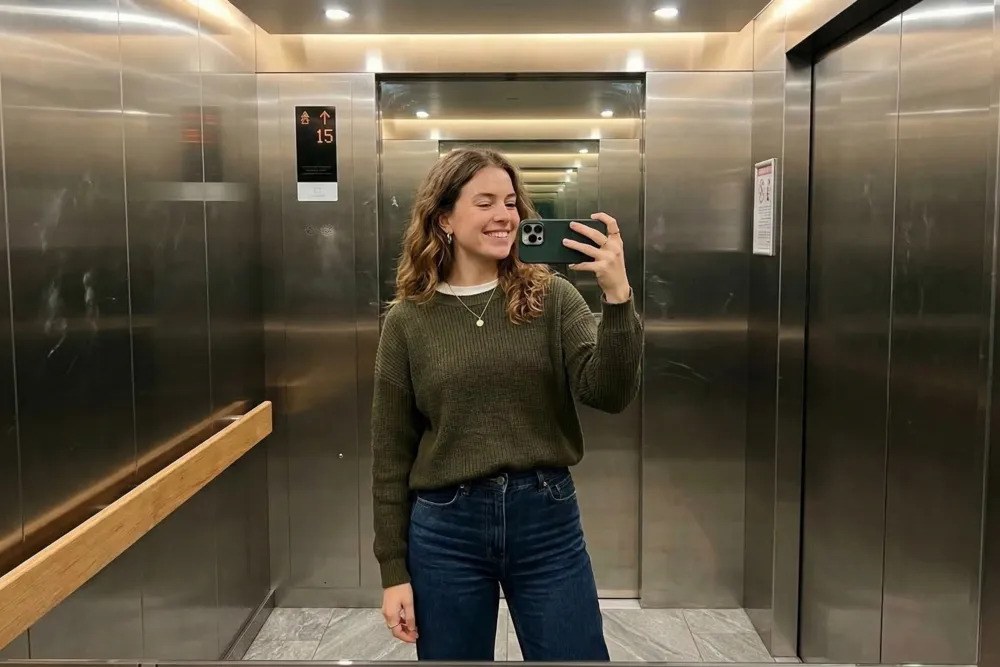
Ella Brennan
@ellabrennan.co
A Manchester girl. Coffee, countryside, and a Cyprus holiday.
0/10
done

Tom Whitfield
@tomwhitfield.ldn
A London guy. City, street art and good food.
0/10
done
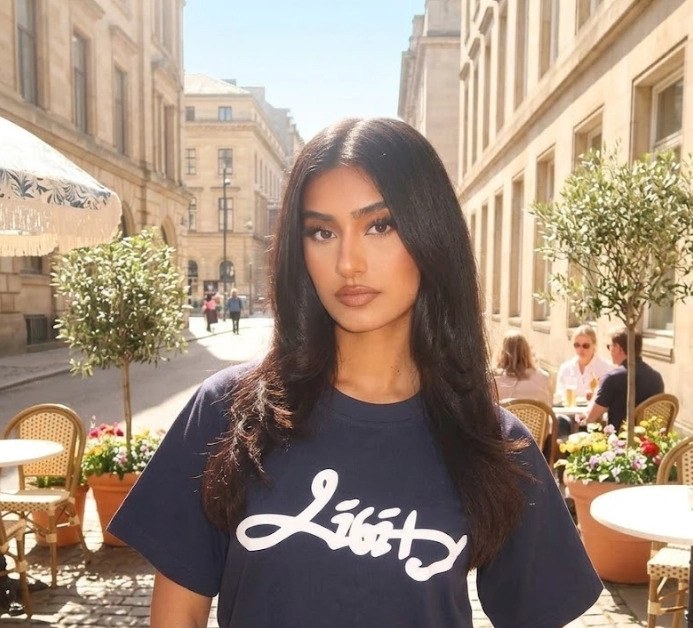
Priya Shah
@priyashah.uk
Birmingham. Books, brunch and a big Greece trip.
0/9
done
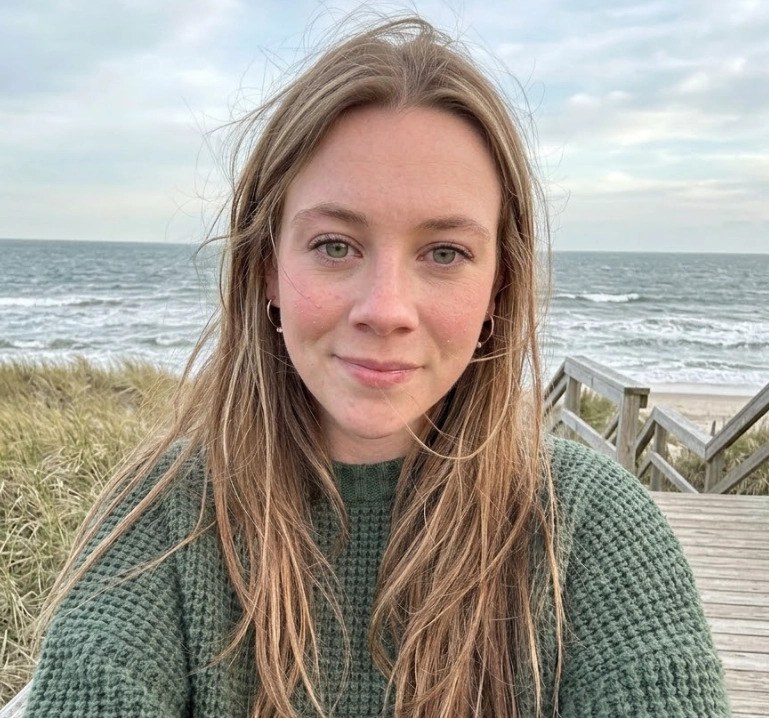
Cara Doyle
@caradoyle.ie
Dublin. The sea and sun one (Turkey + Cape Verde).
0/9
done
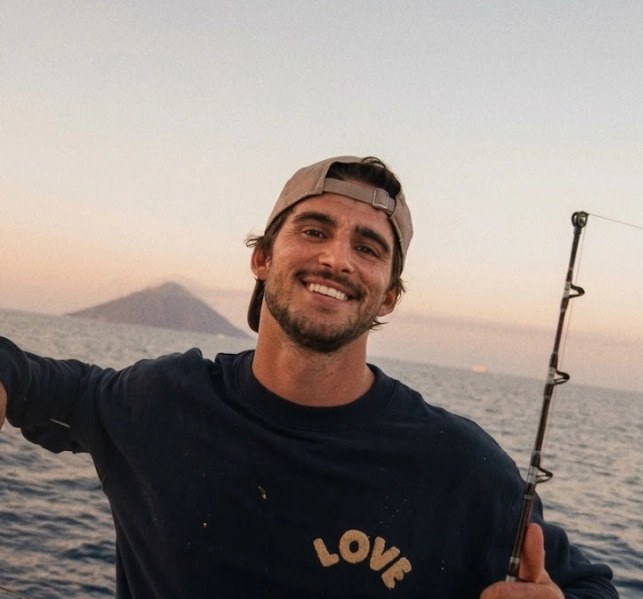
Marcus Reid
@marcusreid.co
Bristol. Outdoorsy; Egypt diving and the desert.
0/9
done
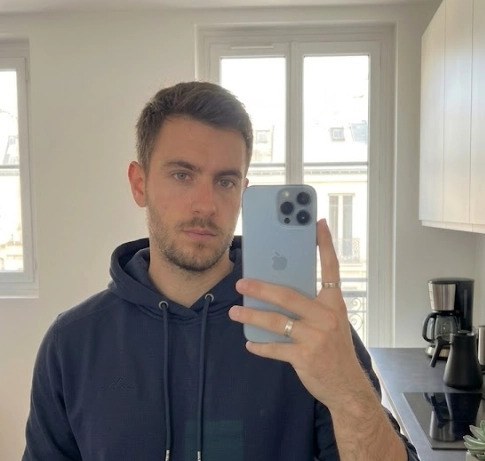
Josh Maguire
@joshmaguire.co
Leeds. Bikes and coffee; Amsterdam + Spain.
0/9
done
How the week looks
Today (Sat 6 Jun): set up all 6 profiles + post each one's first photo and a few stories.
Tue 9 Jun: post photo #2 on each.
Fri 12 Jun: post photo #3 on each.
All week: add the story photos and save them into the Highlights shown on each account.
From ~Fri 19 Jun: the accounts are ready - start messaging then (not before, so they stay healthy).
Tue 9 Jun: post photo #2 on each.
Fri 12 Jun: post photo #3 on each.
All week: add the story photos and save them into the Highlights shown on each account.
From ~Fri 19 Jun: the accounts are ready - start messaging then (not before, so they stay healthy).
Private link - please don't share. Made for the DigiGrow x your team trial.