← All accounts Tom
Account 2 of 6 · 0 of 10 steps done

Tom Whitfield

London - A London guy. City, street art and good food. Follow the steps in order. Tick each one when it's done.
Do today
1
Set the username
In Instagram: Edit profileUsername, then paste this in.
@tomwhitfield.ldn
If it's already taken, use @tomwhitf.
2
Set the name
In Instagram: Edit profileName.
Tom Whitfield
3
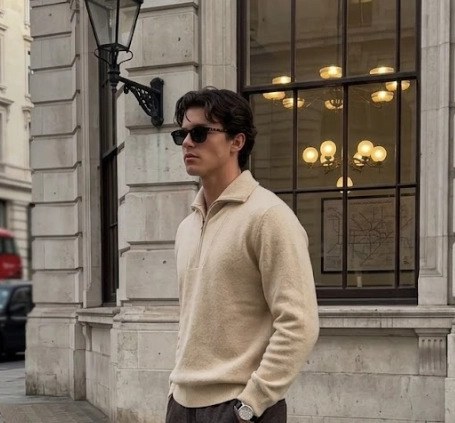
Set the profile photo
Download this, then in Instagram: Edit profileChange profile photo → upload it.
4
Set the bio
In Instagram: Edit profileBio. Copy it exactly, keep the line breaks.
partnerships @digigrow.uk helping agencies offer web design without building it london - good coffee, better restaurants
5
Post 1 · today
Post this photo
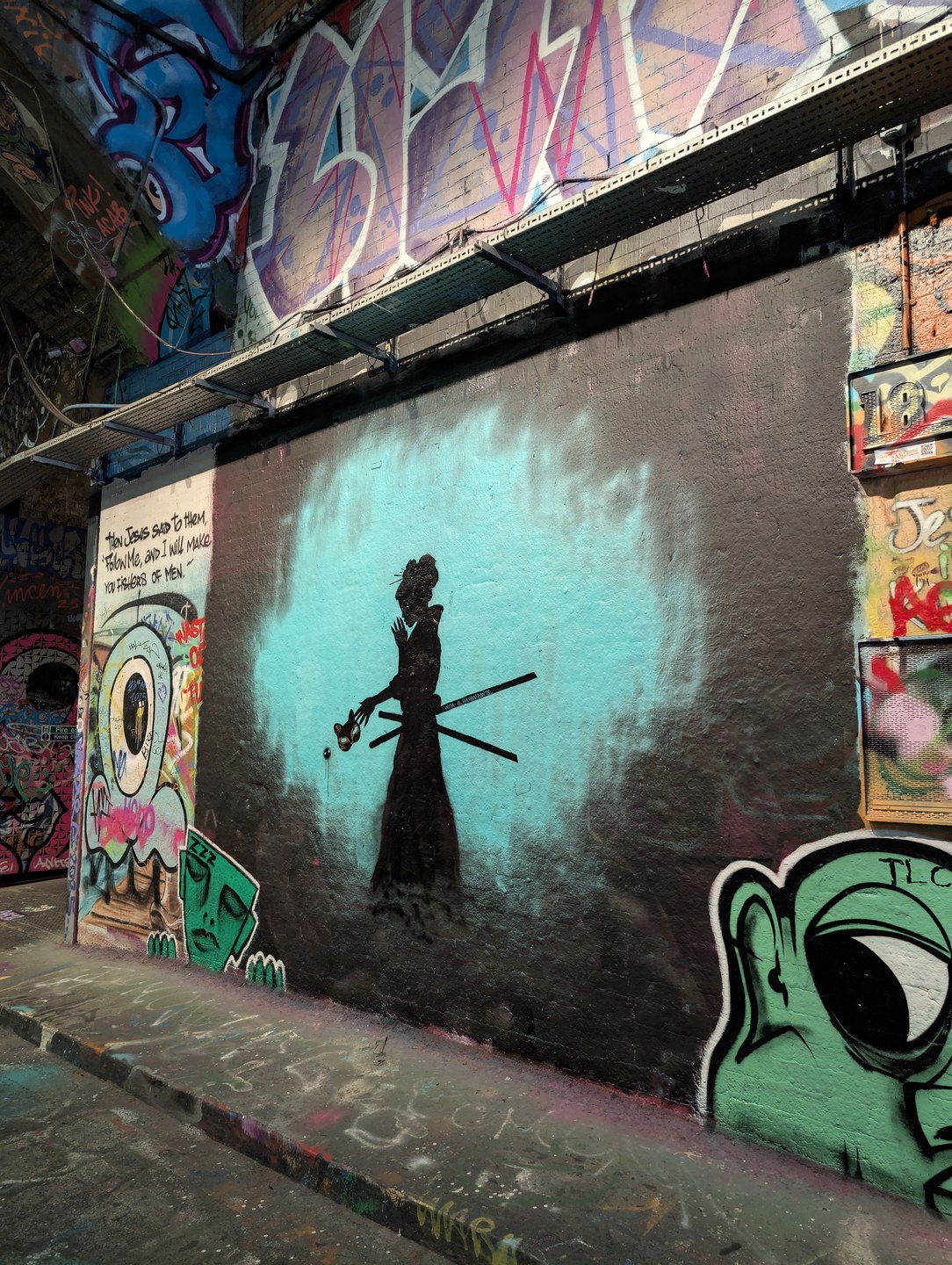
Greater London, England - post it as a normal feed post, with this caption.
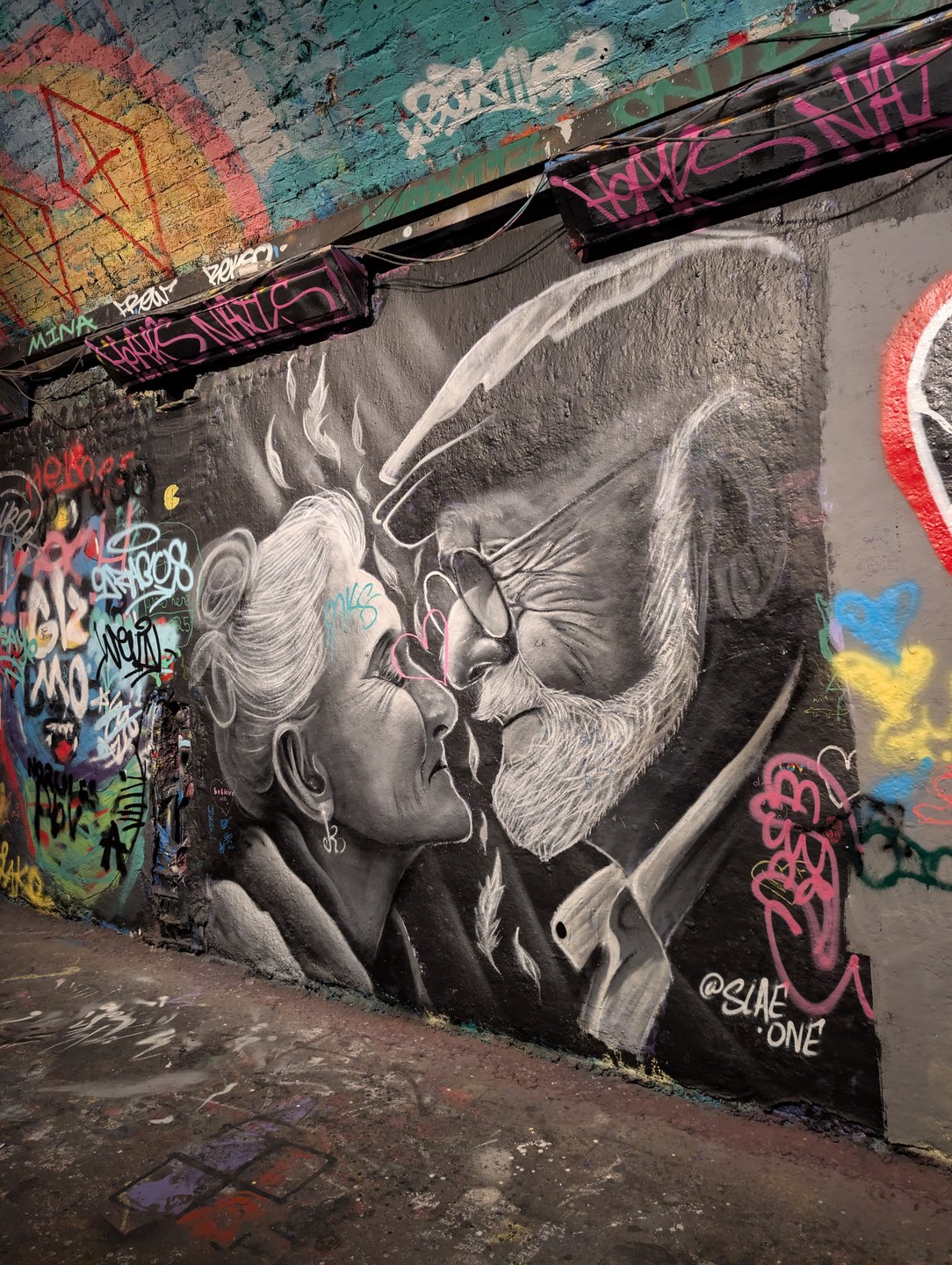
Captionleake street never looks the same two visits running. whole tunnel repainted again
⬇ Download photo
This week - post on these dates
6
Post 2 · Tuesday 9 June
Post this photo
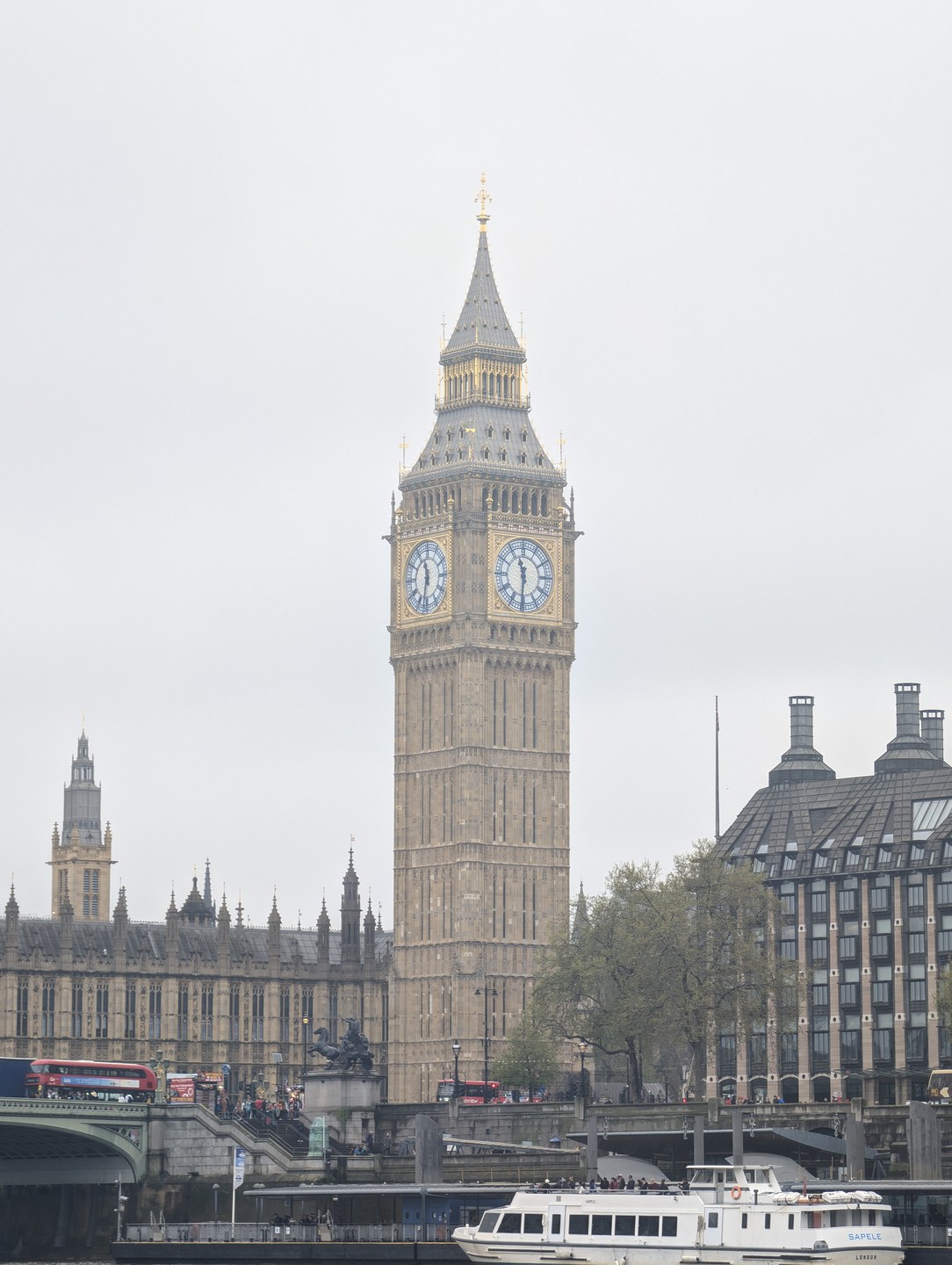
London, England, UK - post it as a normal feed post, with this caption.
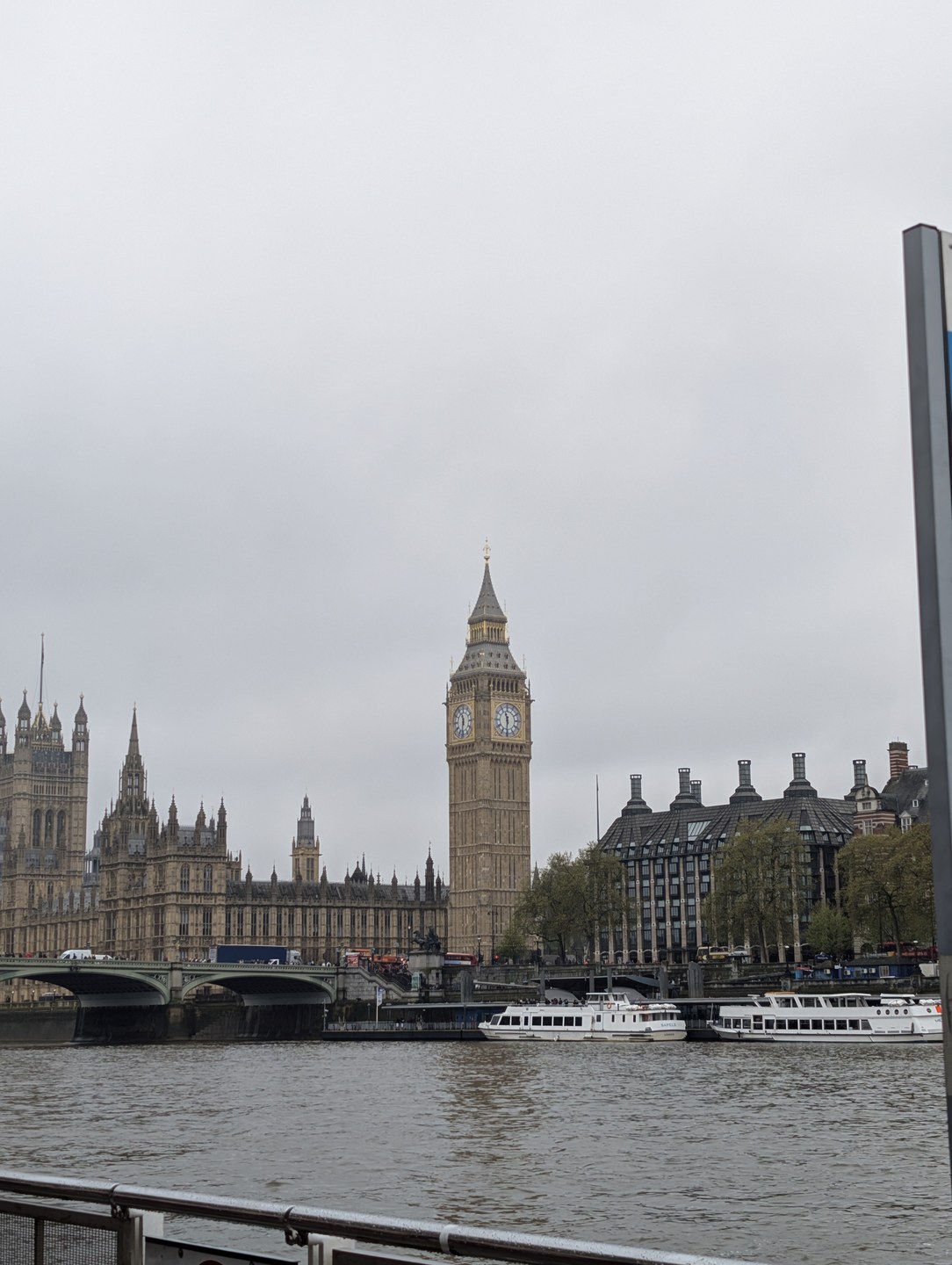
Captionwalked past this a hundred times and still stopped like a tourist
⬇ Download photo
7
Post 3 · Friday 12 June
Post this photo
Borough of Wokingham, England - post it as a normal feed post, with this caption.
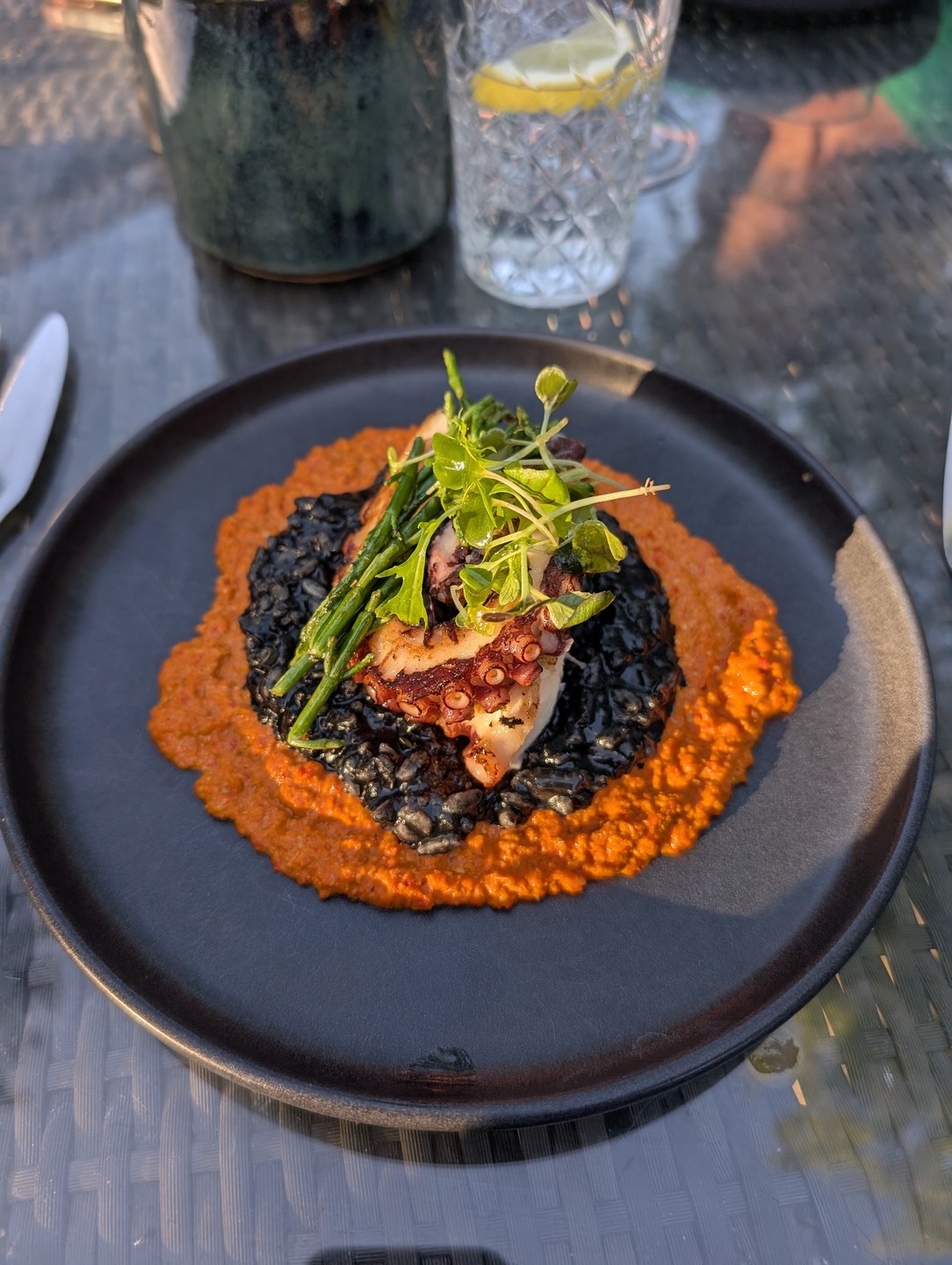
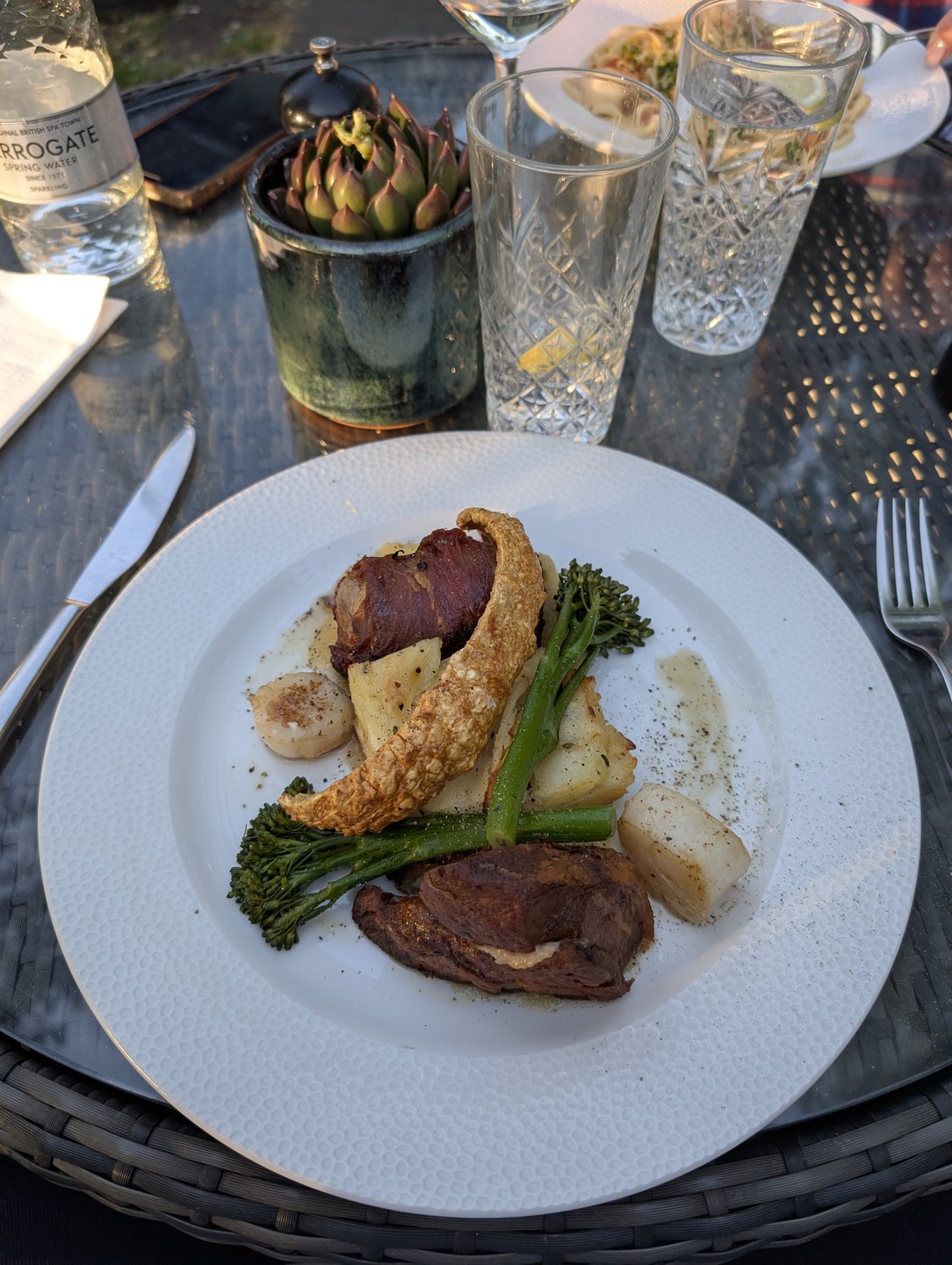
Captionoctopus done properly. london's spoiling us at the minute
⬇ Download photo
Stories and Highlights

Add a few stories each day. Once a highlight's photos are all posted, save them as a Highlight with the exact name shown.

8
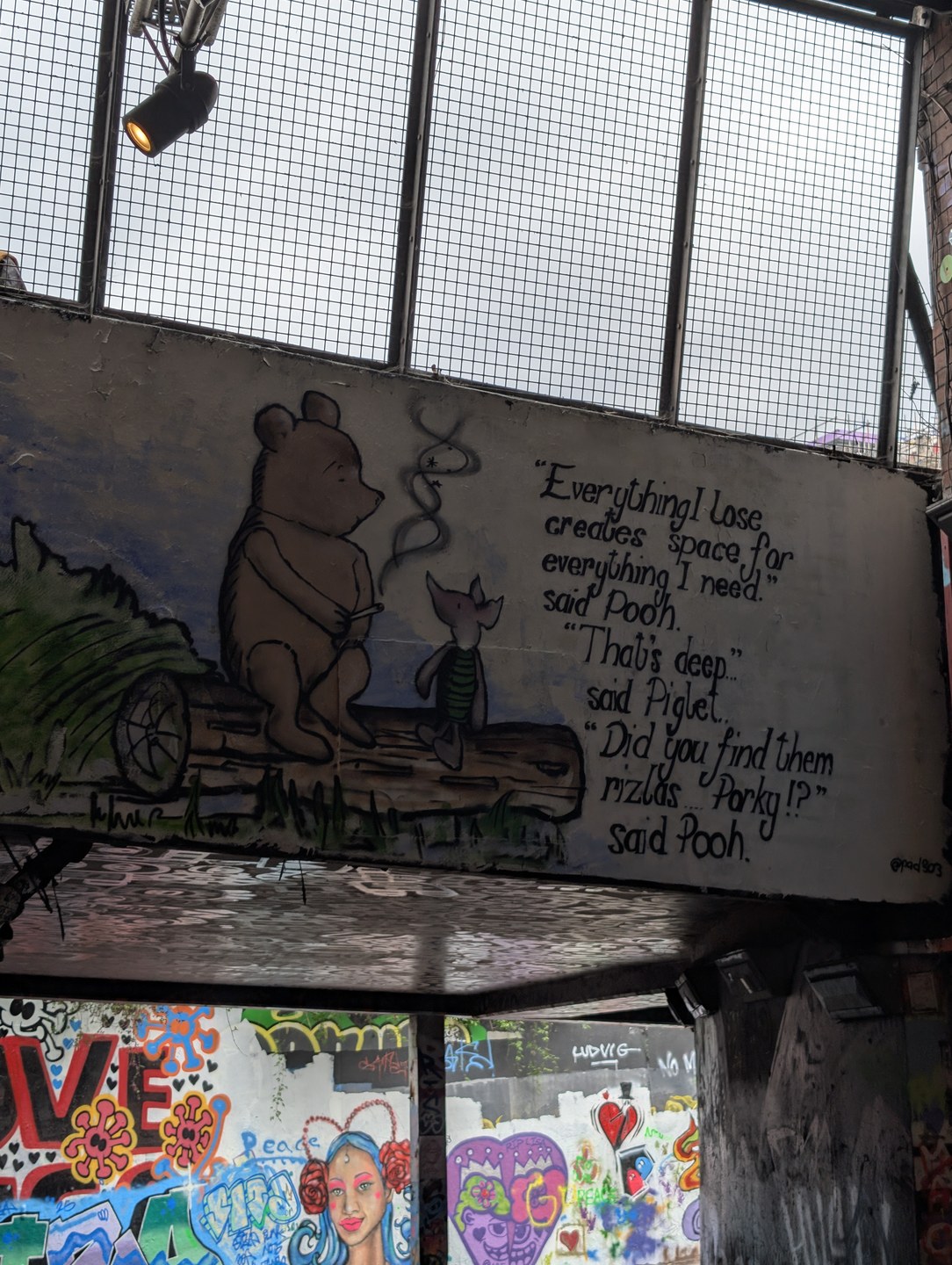
Highlight: "leake st"
Post these 2 photos as stories over the next few days, then save them into a Highlight named leake st. Tap a photo's down-arrow to download it.
9
Highlight: "london"
Post these 1 photo as stories over the next few days, then save them into a Highlight named london. Tap a photo's down-arrow to download it.
10
Highlight: "eats"
Post these 1 photo as stories over the next few days, then save them into a Highlight named eats. Tap a photo's down-arrow to download it.
A "digigrow" highlight is coming separately - we will send those photos. Leave it for now.
When messaging starts
Don't start messaging until about Friday 19 June. The account needs a week or so of looking real first - that's what stops the messages getting blocked. We'll confirm the go-ahead.
⬇ Download ALL of Tom's photos (one zip)

Private link - please don't share.